After you register for your account on the B Impact platform with your email and password, you can select the email to verify your account.
Once an email is selected, you will receive an email verification link in your preferred inbox, with a subject line similar to “Please complete your B Impact registration.”
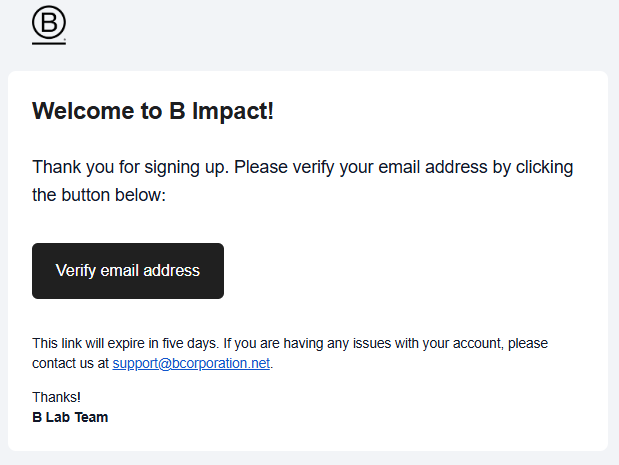
Click on the option “Verify email address,” and it will redirect you to the B Impact portal.
The Profile section within the Manage account settings includes a Contact Information section that will indicate if an email is verified or not.
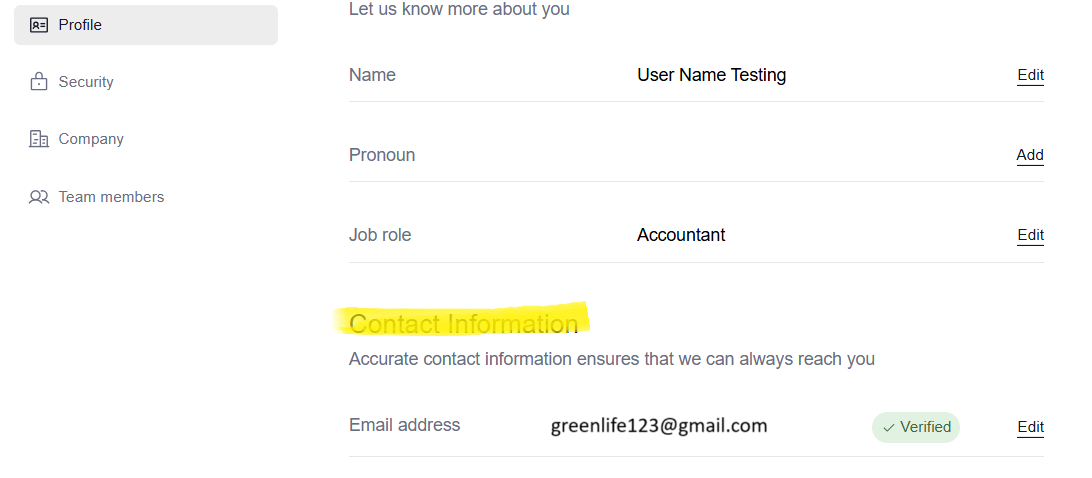
Once you have verified your email, if you are facing issues logging in, please consult the related article:
Sign in to your existing B Impact Assessment
Was this article helpful?
That’s Great!
Thank you for your feedback
Sorry! We couldn't be helpful
Thank you for your feedback
Feedback sent
We appreciate your effort and will try to fix the article