Step 1:
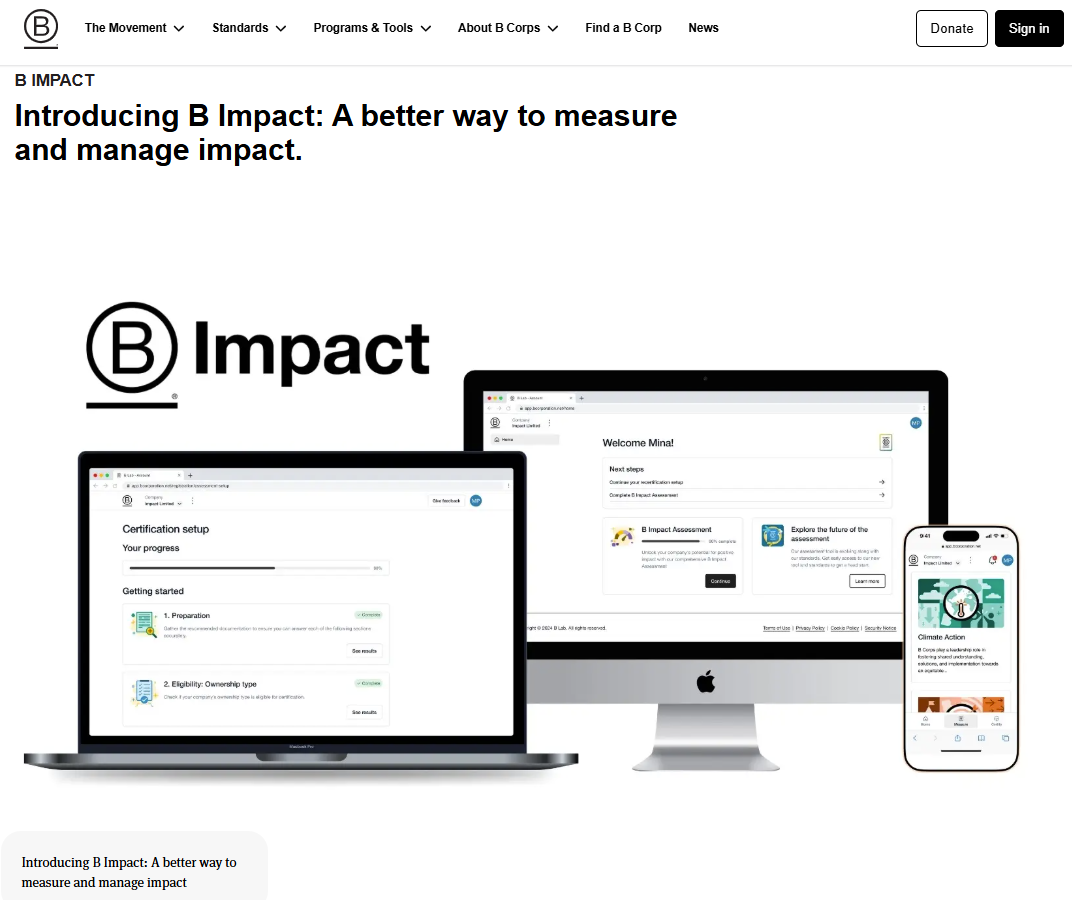
Visit the B Impact Assessment webpage from the B Corp website.
Step 2:
Select the option “B Impact Assessment” or "Self-Assessment" to go to the BIA registration page.
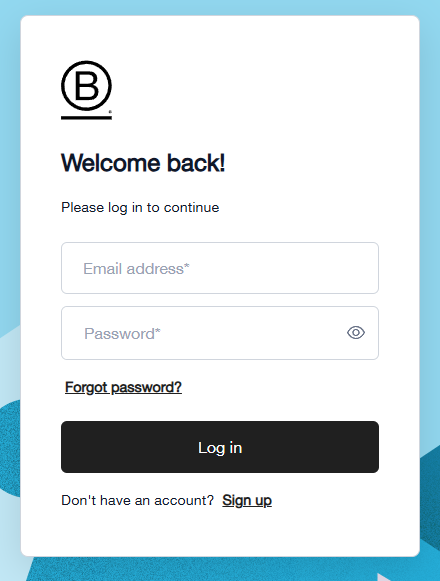
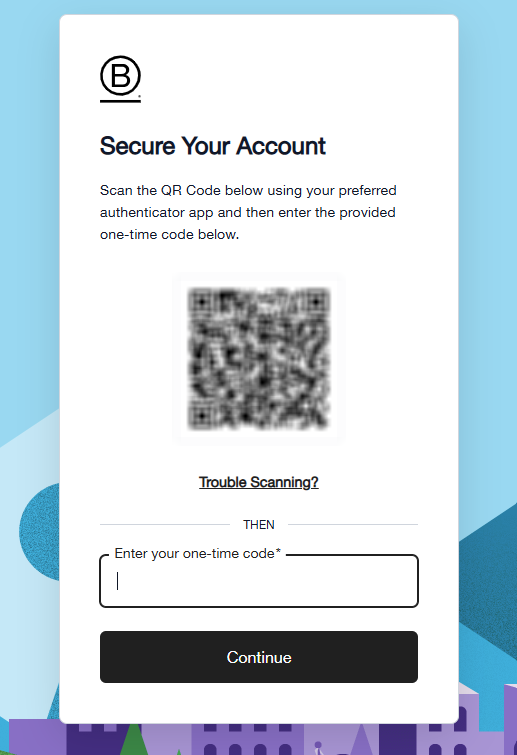
a.) Once you enter your email address and password, the portal will present an option to set up your two-factor authentication to secure your account:
b.) Otherwise, if you have already configured it before, you will be asked to directly enter the code to verify your identity:
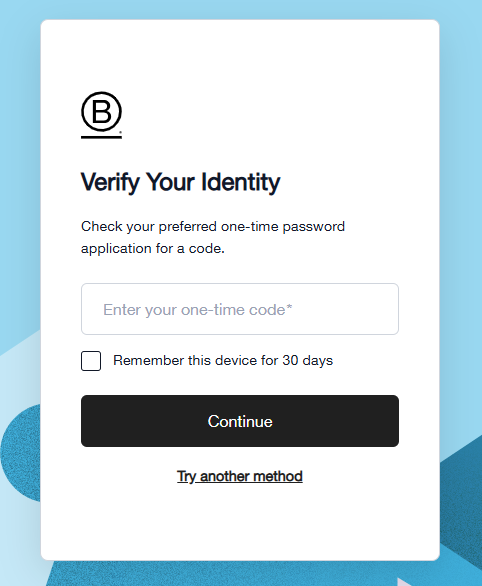
Please note that this required one-time 6-digit code will be generated in the authenticator app that you are using to log in to the B Impact portal. This code is only valid for 30 seconds before it resets to a new value.
c.) Please note: If you click the 'Remember this device for 30 days' option, you will not be prompted to verify your identity with a one-time password code for 30 days.
We recommend selecting this option if you are logging in from a personal device, but not from shared devices.
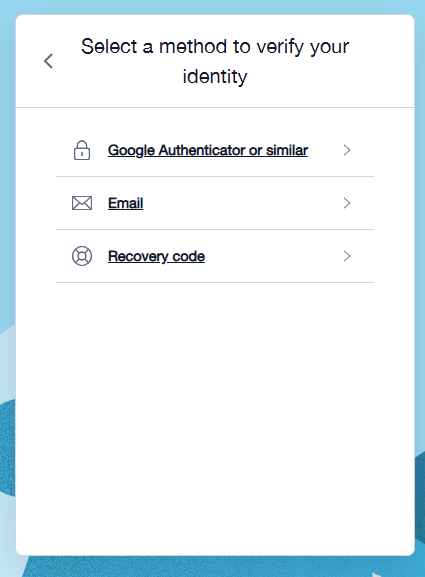
d.) You may also select any of the other options available under [Try another method] :
- with an authenticator app (such as Google Authenticator, Microsoft Authenticator, etc.)
- with a code sent to your verified email address
- with the unique recovery code that you have previously saved during your first account registration.
Step 3:
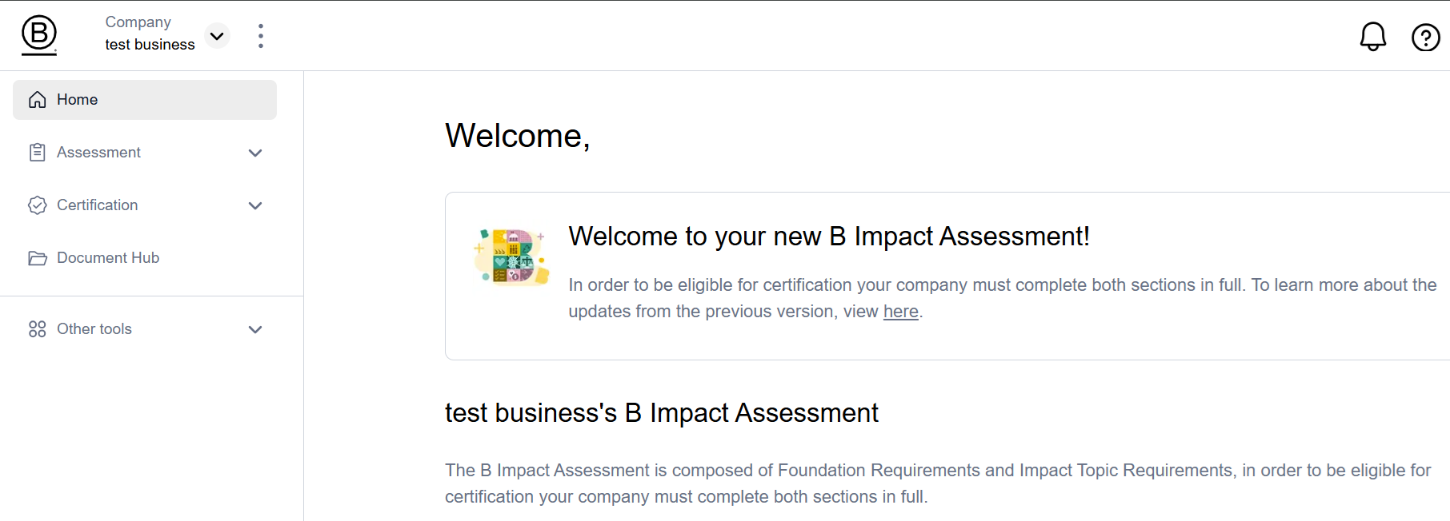
Finally, you will access the welcome page of the B Impact platform.
NB: If you are still unable to log in despite this guidance, please submit a support request here.
Was this article helpful?
That’s Great!
Thank you for your feedback
Sorry! We couldn't be helpful
Thank you for your feedback
Feedback sent
We appreciate your effort and will try to fix the article