Every time you open an article, you will find at the bottom end an option to leave your feedback.

There is no further action needed from you anytime you select the "thumb's up (Yes)".
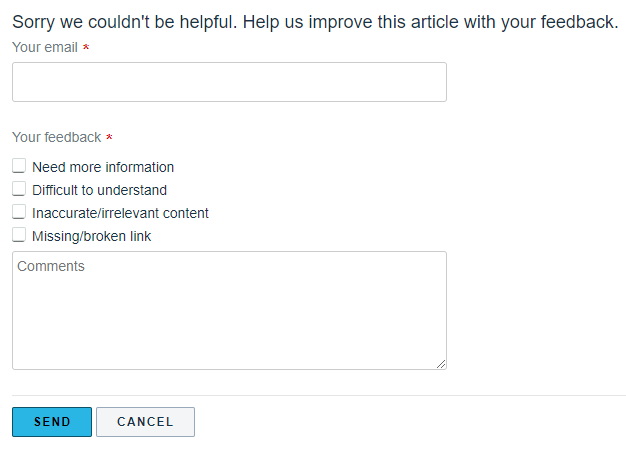
However if you select the "thumb's down (No)", you will be prompted with a follow up form to fill out. This form helps us to improve our Knowledge Base.
Was this article helpful?
That’s Great!
Thank you for your feedback
Sorry! We couldn't be helpful
Thank you for your feedback
Feedback sent
We appreciate your effort and will try to fix the article