- B IMPACT & KNOWLEDGE HUB Ticket form
Whenever you have a question, a suggestion, a request or you encounter an issue with one of our products (such as the B Impact Assessment), users like you can directly log a ticket via our Customer Support Portal:
https://kb.bimpactassessment.net/support/tickets/new
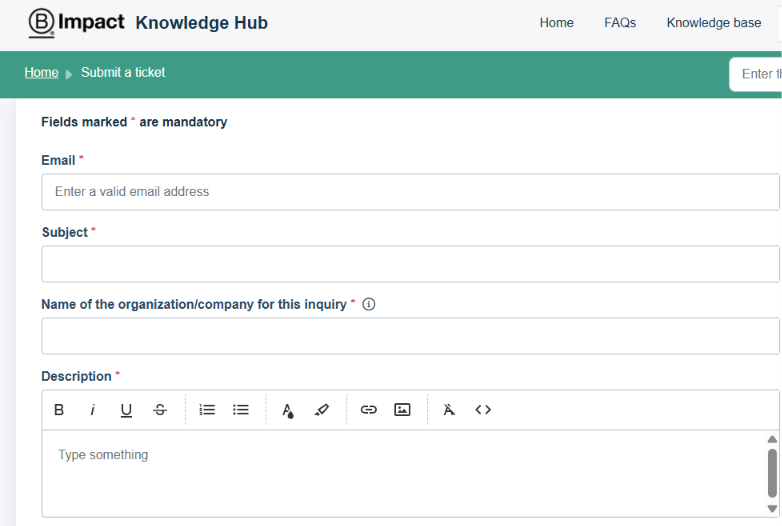
Please note that you can also use the widget tool [Get Help] located at the bottom right corner of our B Lab Website and the top right corner of the B Impact portal.
Once you select the option "Contact Us", you will be prompted with the form to submit your next ticket.
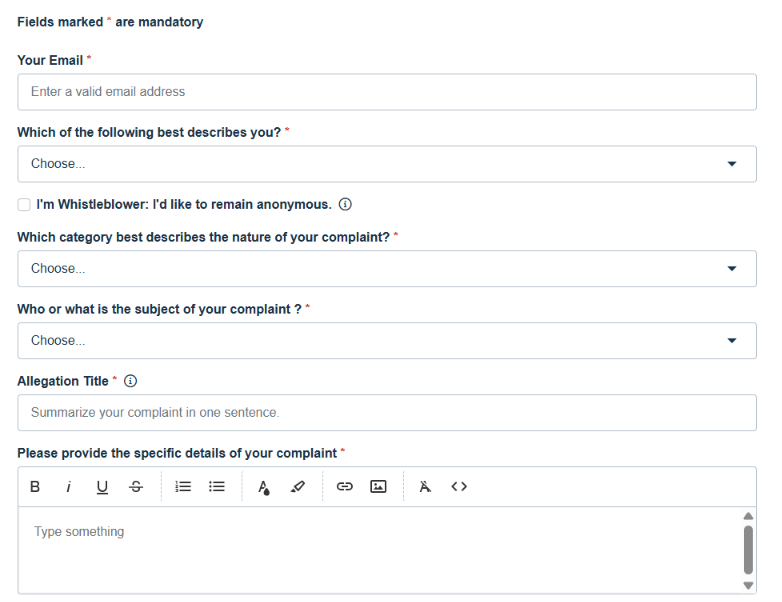
- PUBLIC COMPLAINT Ticket form
Meanwhile, if you have credible knowledge of misconduct or misrepresentation by B Lab™ or a Certified B Corporation™, you can file a complaint via this other form:
https://blab-public-complaints.freshdesk.com/en/support/tickets/new
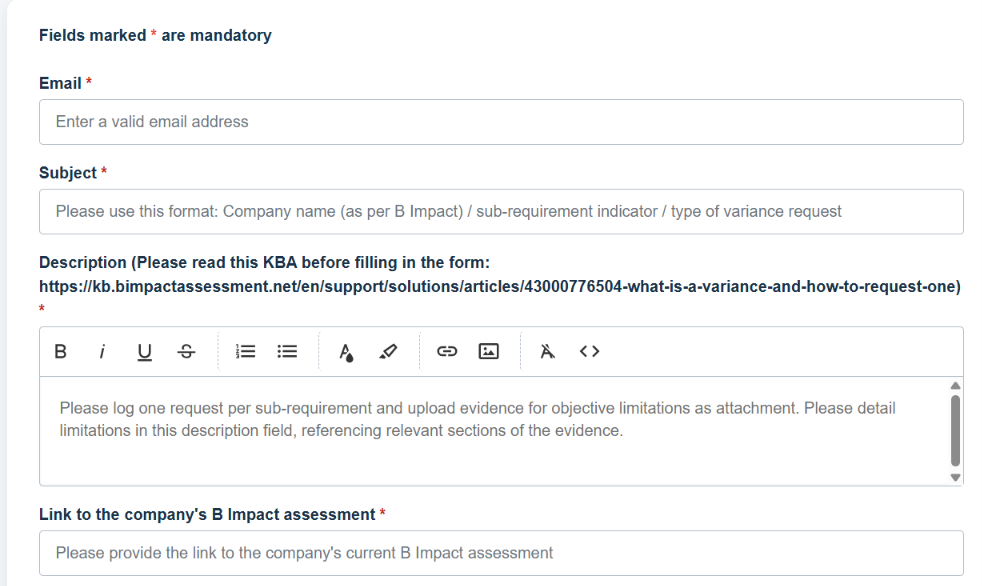
- VARIANCE REQUEST Ticket form
In addition, any applicant company may submit a variance request to B Lab while completing their self-assessment to seek authorization for a time-bound exception to a B Lab Standard requirement via this other form:
https://blab-vr-help.freshdesk.com/support/tickets/new
Was this article helpful?
That’s Great!
Thank you for your feedback
Sorry! We couldn't be helpful
Thank you for your feedback
Feedback sent
We appreciate your effort and will try to fix the article