How do I register?
Step 1:
Visit the B Impact Assessment webpage from the B Corp website.
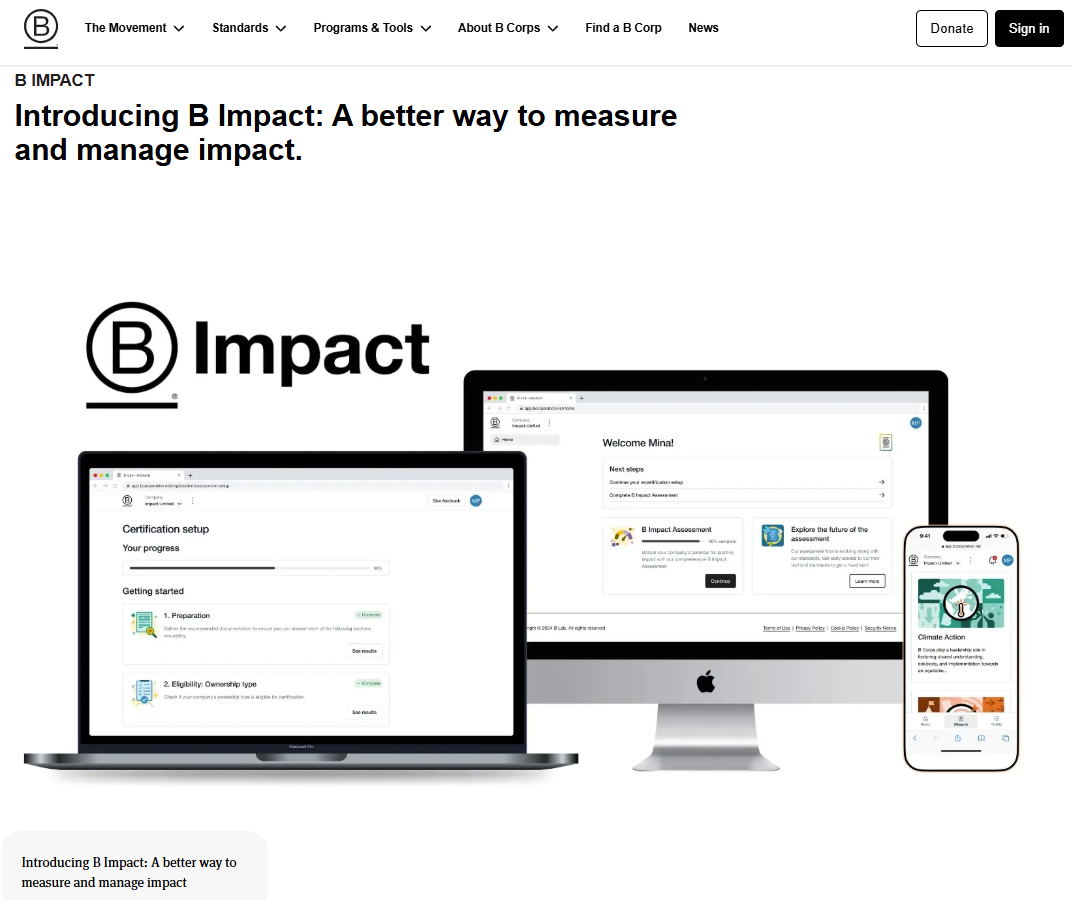
Note: Several Global Partners have websites that also serve as a launching point for the B Impact Assessment. Visit this link to see a list of Global Partner websites.
Step 2:
Select the option “B Impact Assessment” or "Self-Assessment" to go to the BIA registration page
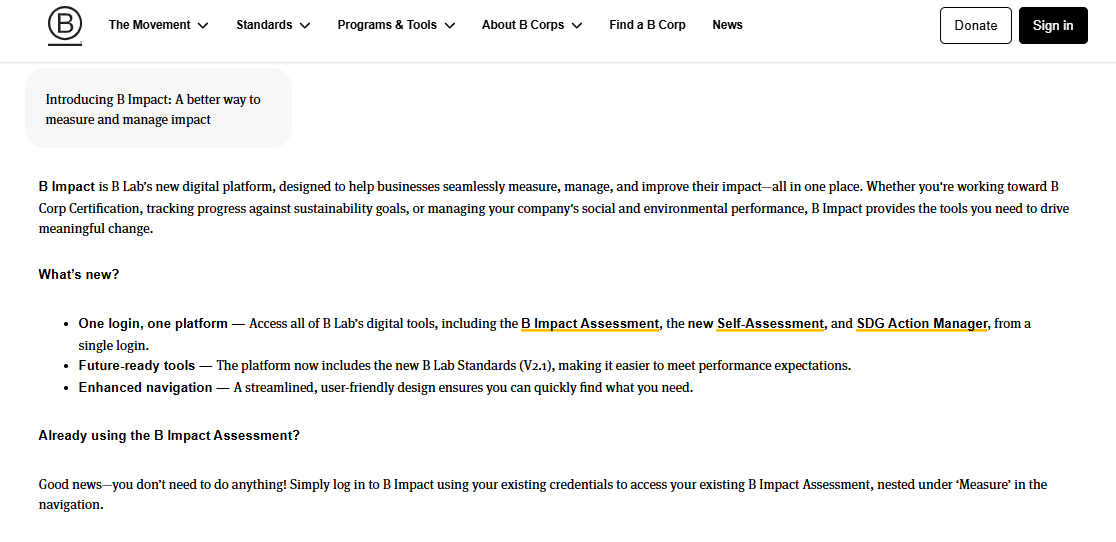
Enter your email address and choose a password.
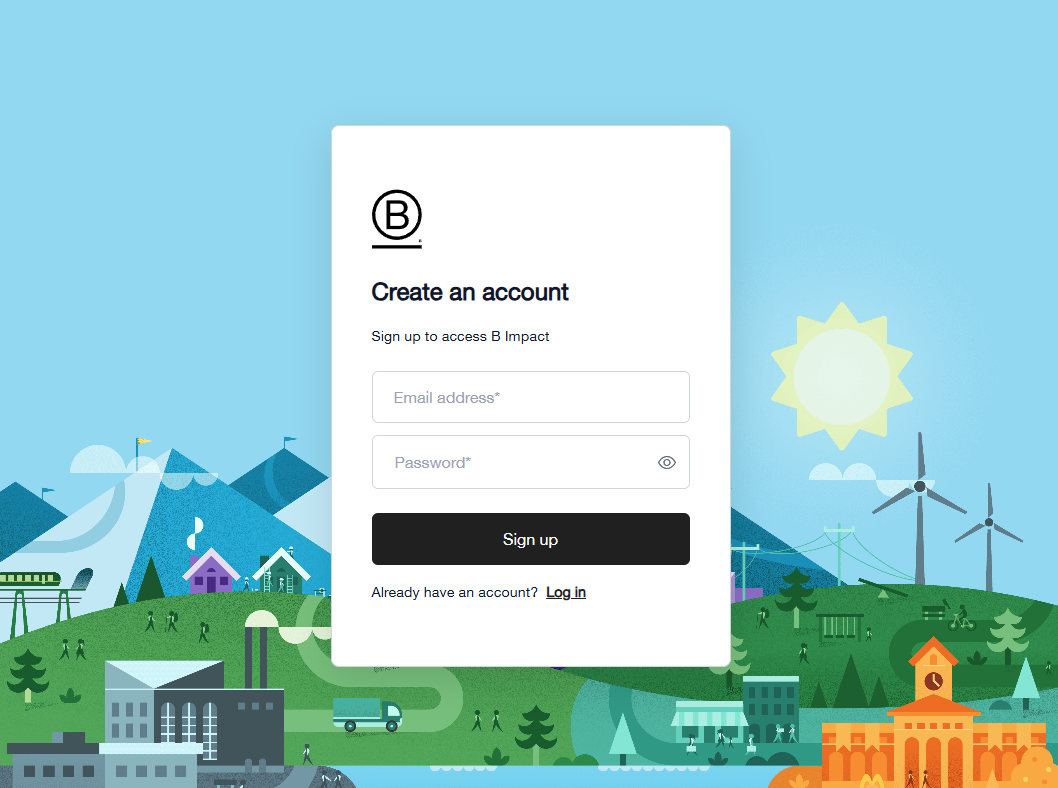
Step 3:
You will be prompted to set up multi-factor authentication using your preferred authenticator app (such as Google Authenticator, Microsoft Authenticator, …ect.). Please enter your B Impact account login credentials to your authenticator app. Then, you can scan the QR code to receive a one-time code from the authenticator app.
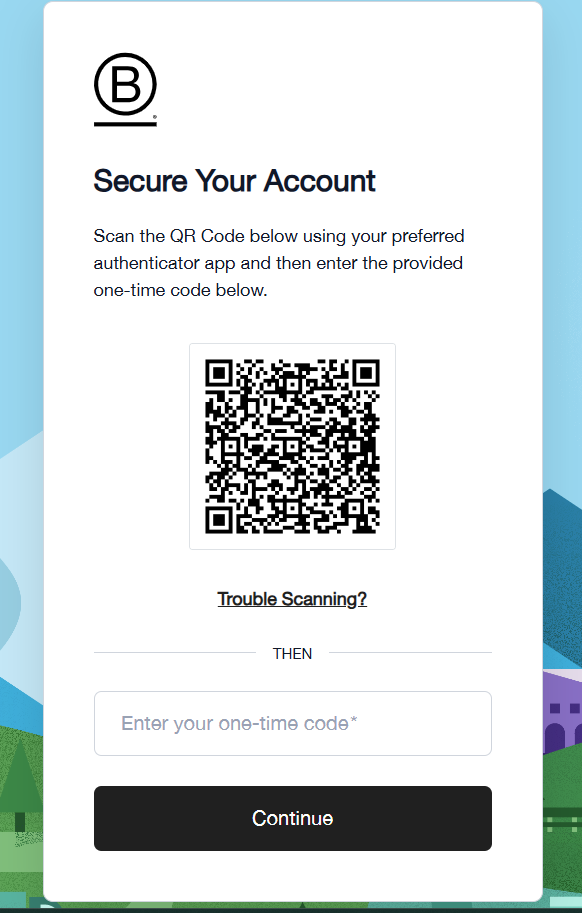
Otherwise, you can click on the option [Trouble Scanning ?], which will generate a code that you can also enter in your authenticator app.
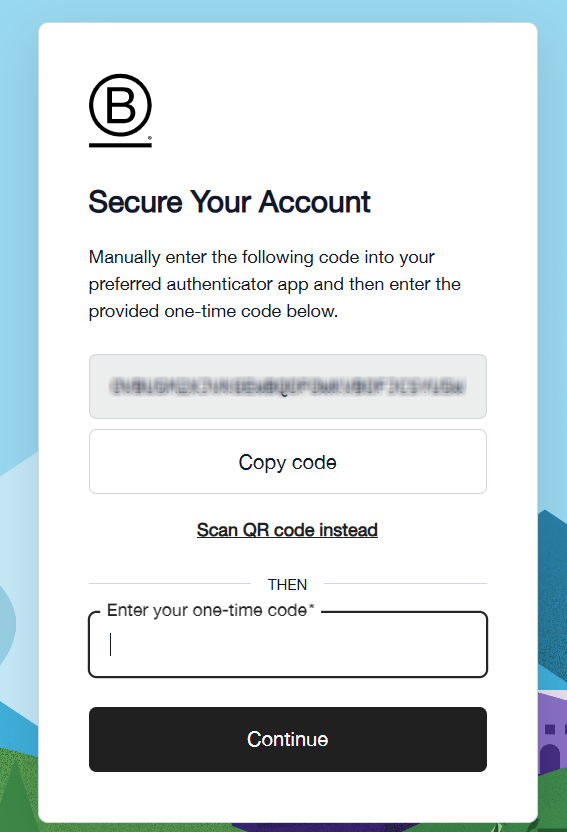
Step 4:
Then you will be prompted to save a recovery code in your personal records
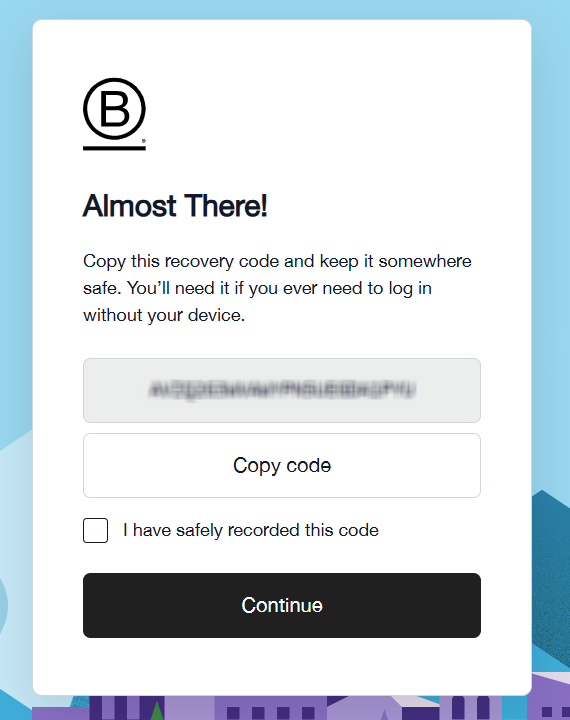
Step 5:
Finally you will decide if you wish to trust the current device you are using.
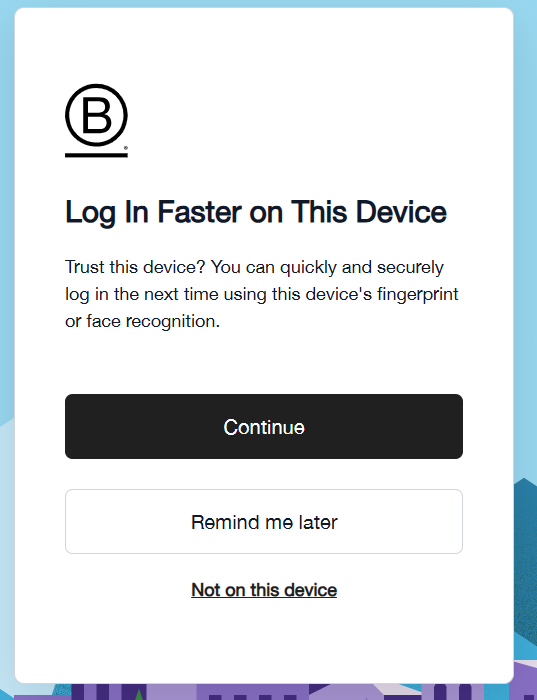
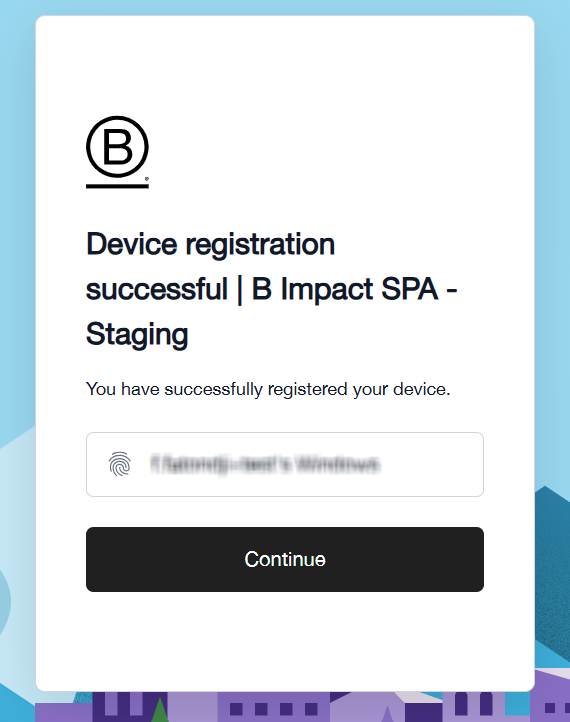
Step 6:
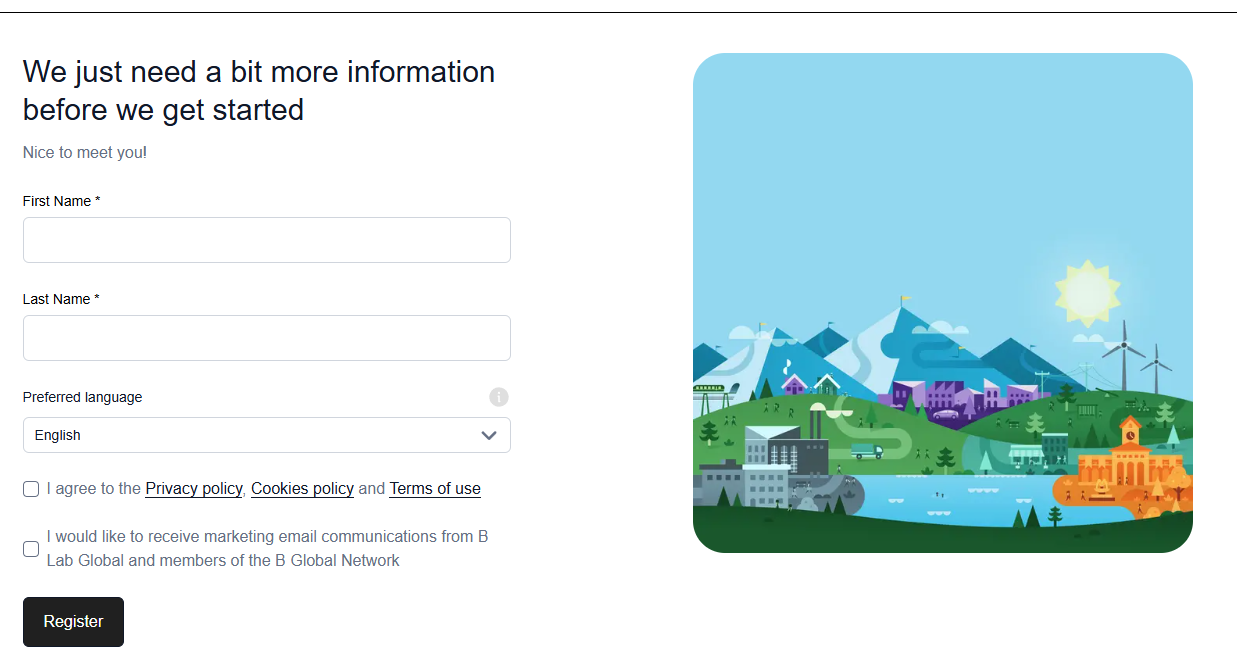
Enter the required user information such as your first and last name, and preferred language. Language options include English, Spanish, Portuguese, Italian, and French.
Check the boxes to agree to the Privacy Policy and the Terms of Use, and optionally, marketing email communications from B Lab Global. Then, select “Register.”
The platform will automatically confirm if you have successfully verified your email address.
Was this article helpful?
That’s Great!
Thank you for your feedback
Sorry! We couldn't be helpful
Thank you for your feedback
Feedback sent
We appreciate your effort and will try to fix the article