Step 1:
Visit the B Impact Assessment webpage from the B Corp website.
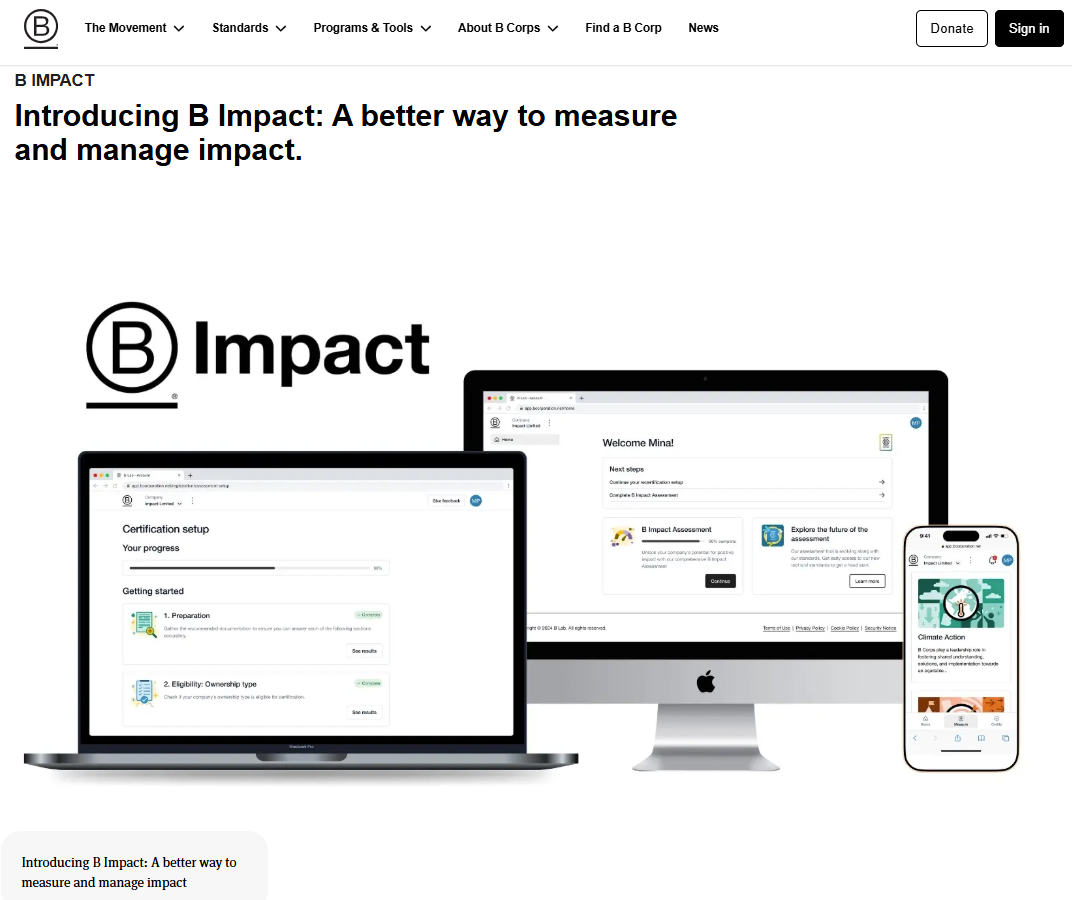
Step 2:
Select the option “B Impact Assessment” or "Self-Assessment" to go to the BIA registration page
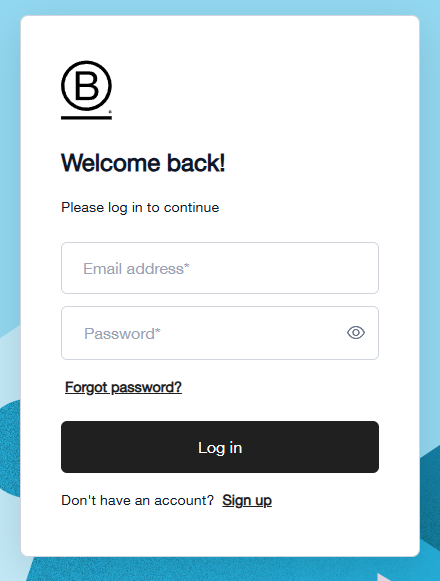
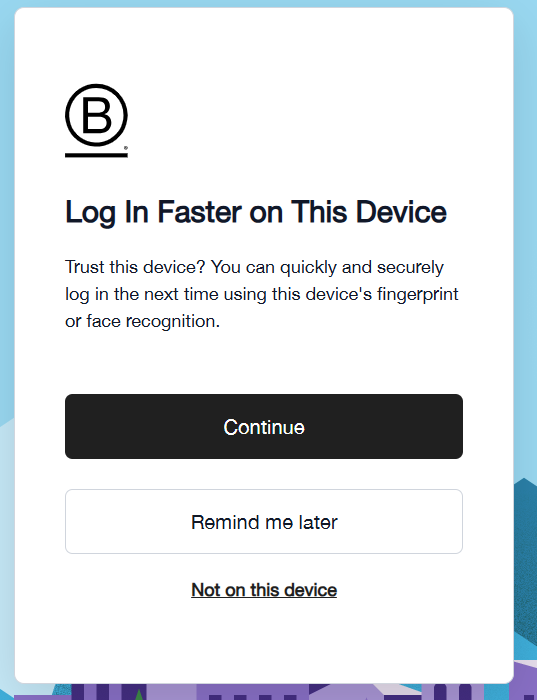
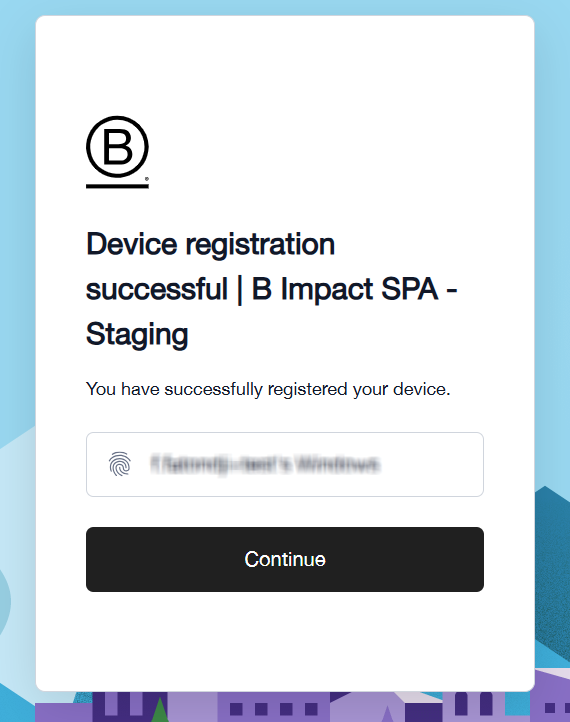
Once you enter your email address and password, the portal will offer an option to remember your current device:
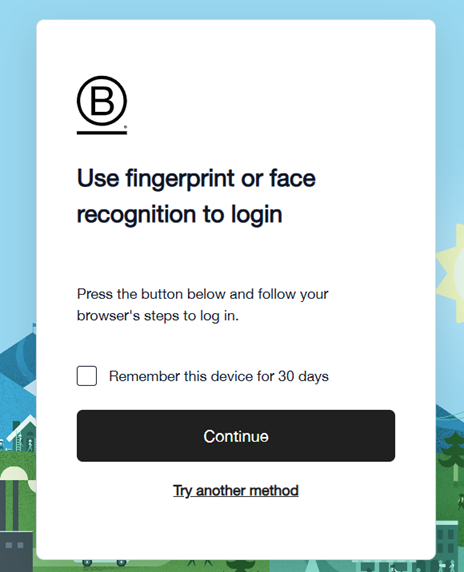
Oherwise, you can select any of the three other options:
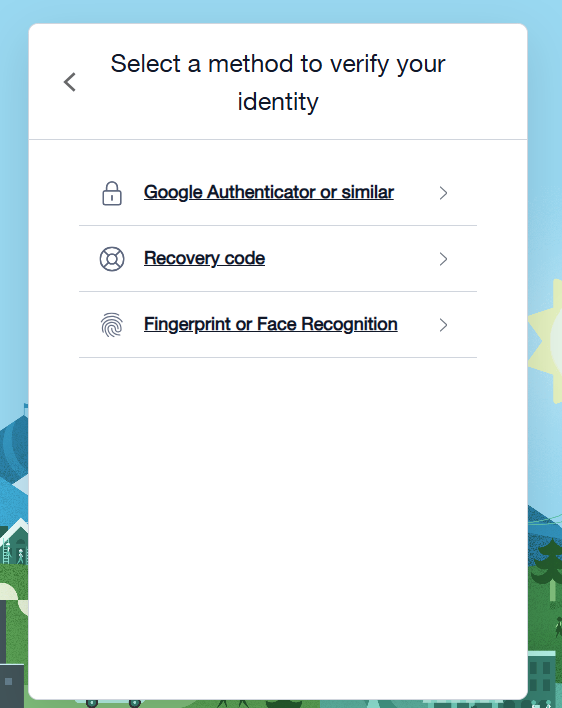
Once you set up and pass this authentication step, every time you return to the portal to log in, you will be prompted to verify your identity by entering a one-time code from your preferred authenticator app.
Finally, you will be redirected to the welcome page of the B Impact platform.
______________________________________________________________________
Please note:
You must set up multi-factor authentication using your preferred authenticator app (such as Google Authenticator, Microsoft Authenticator, …ect.).
Please enter your B Impact account login credentials to your authenticator app. Then, you can scan the QR code to receive a one-time code from the authenticator app.
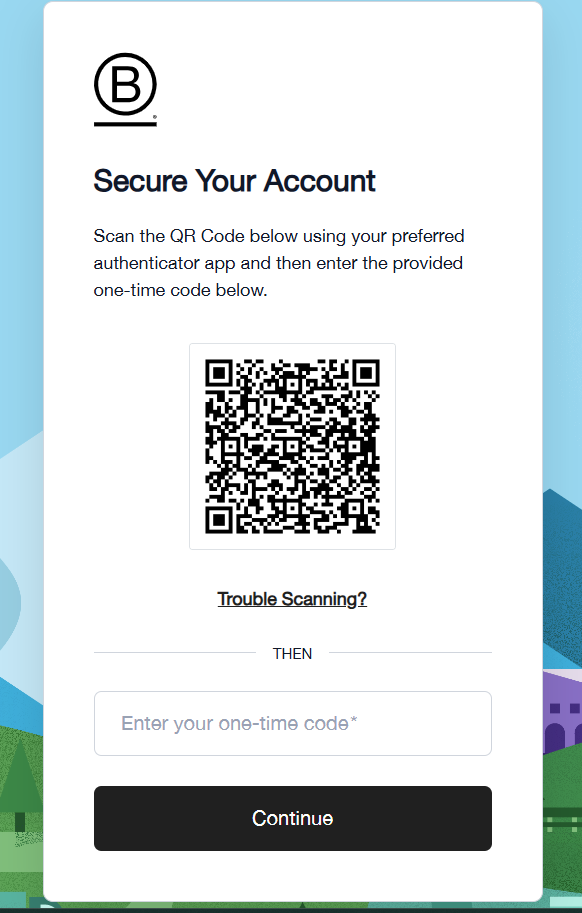
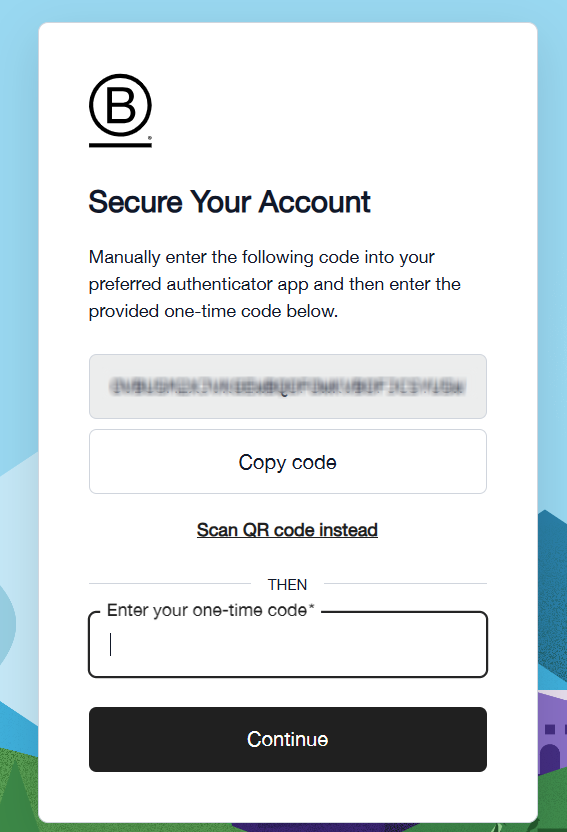
If you cannot scan the QR code, you can click on the option [Trouble Scanning ?], which will generate a code that you can also enter in your authenticator app.
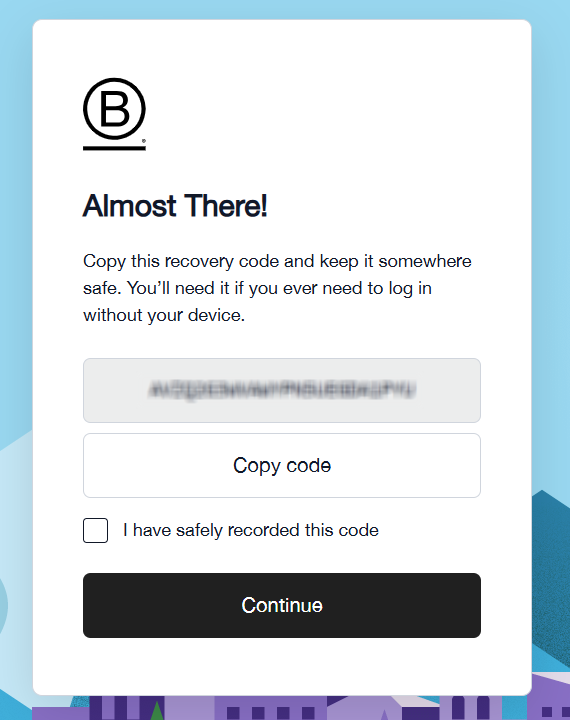
Then you will be prompted to save a recovery code in your personal records
Finally, you will decide if you wish to trust the current device you are using.
______________________________________________________________________
To manage your login credentials, please consult the following:
Was this article helpful?
That’s Great!
Thank you for your feedback
Sorry! We couldn't be helpful
Thank you for your feedback
Feedback sent
We appreciate your effort and will try to fix the article